On the Amazon Appstore
Install it right on your Fire TV
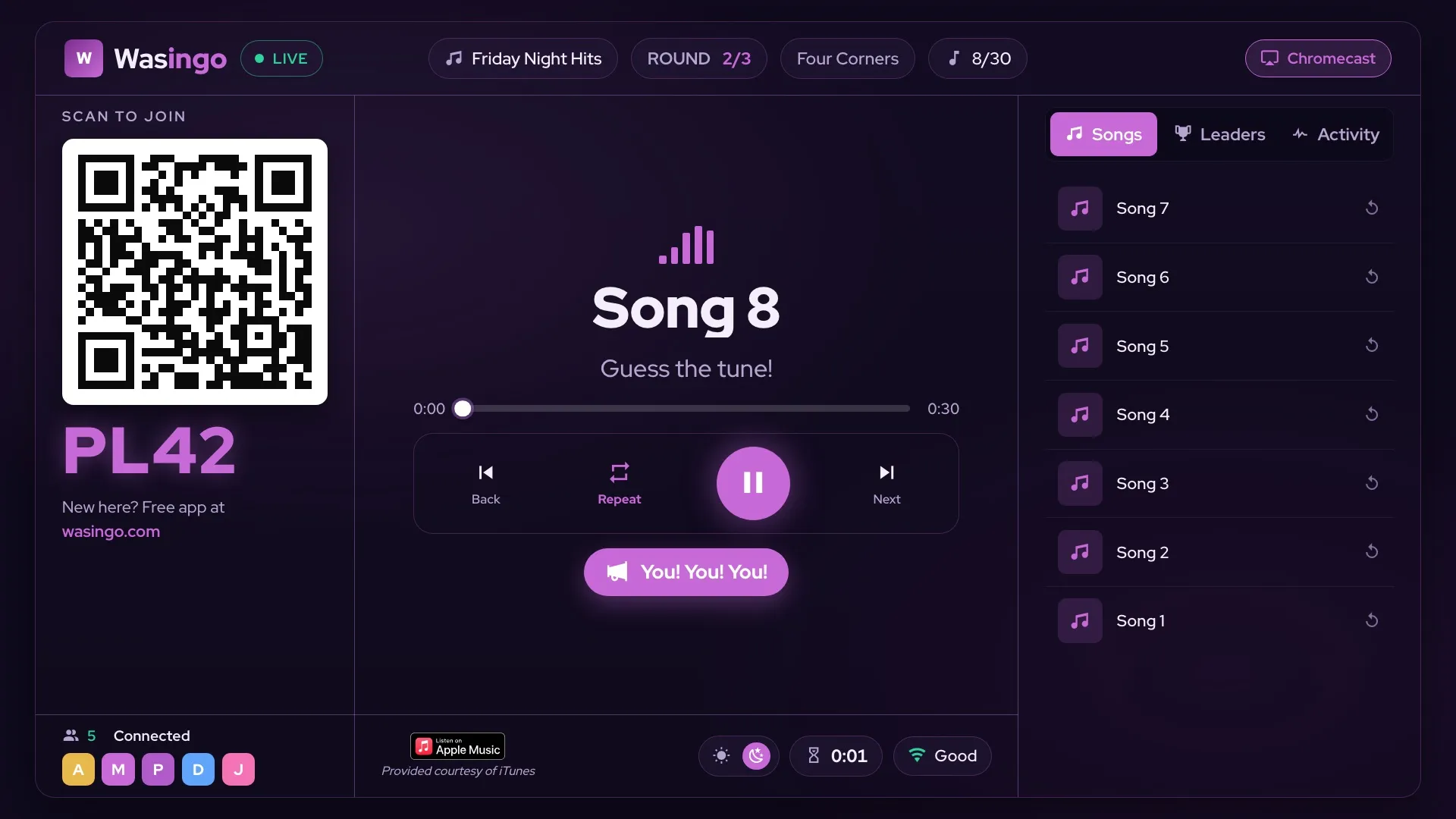
Wasingo is a native Fire TV app — open the Amazon Appstore on your Fire TV Stick, Fire TV Cube or Fire TV, search “Wasingo”, and install. Host the entire game from the couch with your Fire TV remote, while your phone doubles as the music control center.
Every Fire TV
Works on every Fire TV device
If it runs Fire OS, it runs Wasingo — the little Stick behind the TV, the Cube on the shelf, or a Fire TV built right into the screen.
Stick, Stick Lite, Stick 4K and 4K Max — every generation from Fire OS 5 up.
The Cube (all generations) hosts the whole night hands-free with Alexa built in.
Fire TV Omni, Omni QLED, 4-Series and 2-Series — plus Insignia, Toshiba & Pioneer Fire TV Edition sets.
Not sure which one you have? Search your exact model — and remember, any TV can still be the board via AirPlay or Chromecast from your phone.
Your phone = the remote
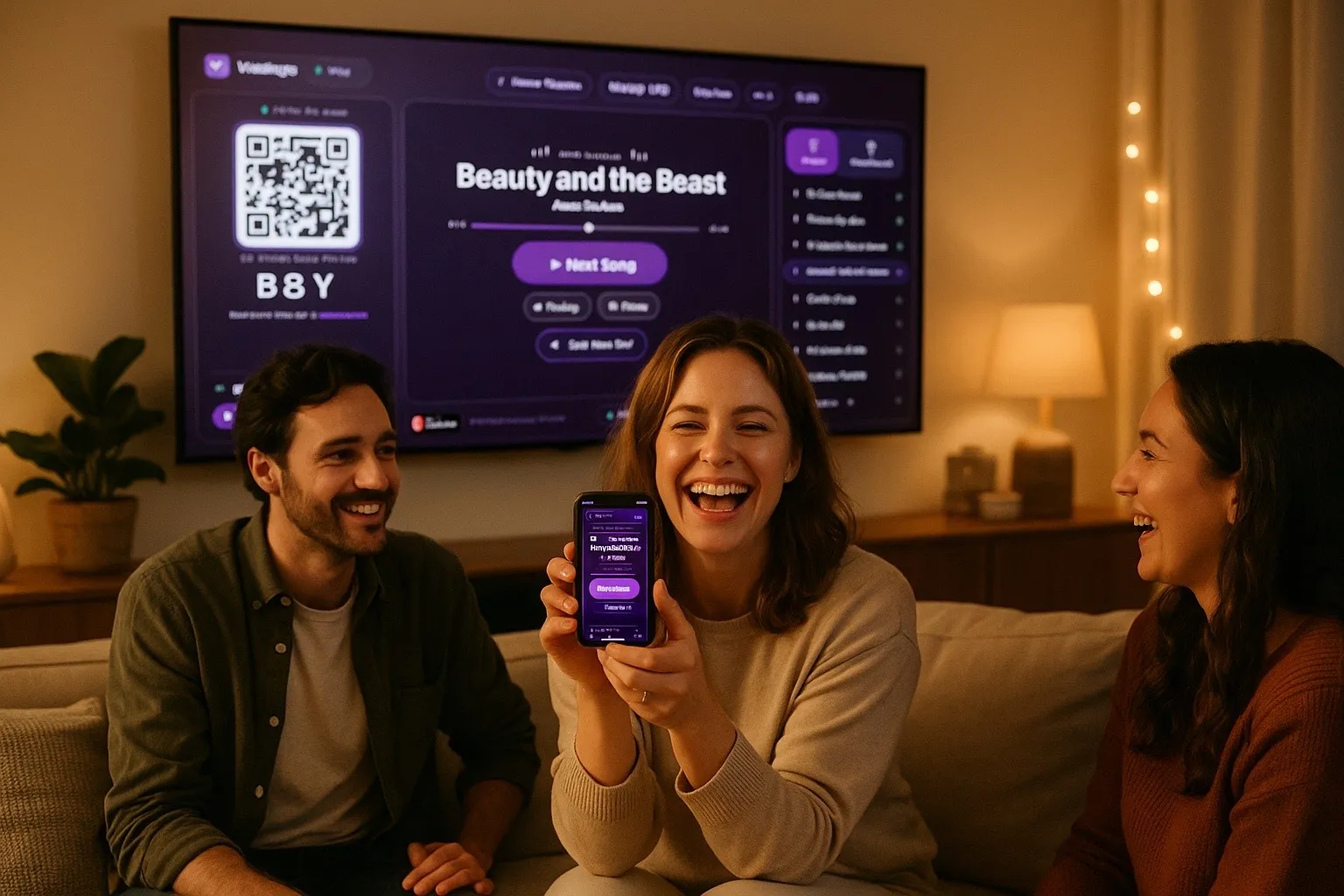
The Fire TV shows the board. Your phone runs the show.
Host from your Fire TV remote, or grab your phone as the control center — play or pause the song, skip ahead, replay a track, and flip between Songs, Leaders, and Activity. The big screen stays on the board so the whole room can follow along.
How to play music bingo on a Fire TV
- Install from the Amazon Appstore. On your Fire TV, open the Appstore, search Wasingo, and install — or send it to your device from amazon.com.
- Open Wasingo and start a game. Pick a playlist and hit start. The board, a join QR code, and a 4-letter code appear on the TV.
- Everyone joins from their phone. Players scan the QR code or type the code — no app, no account, always free for players.
- Play from the couch. Real song clips play, players mark their cards, and the first to complete the pattern wins — auto-verified right on the big screen.
New
Players react live — right on the Fire TV
Tap a reaction from your phone and it pops up on the big screen for the whole room. Big win, near miss, or a song everybody loves — let the crowd feel it.
Will my Fire TV work?
Wasingo runs on every Fire TV with Fire OS 5 or newer — and any other TV becomes the board through AirPlay or Chromecast. Search your model in a second.
Check my Fire TVFrequently asked questions
Can I play music bingo on a Fire TV?
Yes. Wasingo is on the Amazon Appstore, so you install it right on your Fire TV Stick, Fire TV Cube, or Fire TV and host the whole game from the big screen. Everyone else plays from their phones — no app or account needed for players.
How do I get Wasingo on my Fire TV Stick?
On your Fire TV Stick, open the Appstore from the home screen, search for “Wasingo”, and select Get/Download. You can also open the listing on amazon.com and choose “Deliver to” your Fire TV. It's free to install.
Which Fire TV devices does Wasingo support?
Wasingo runs on Fire TV devices with Fire OS 5 and newer — Fire TV Stick (2nd gen and later), Fire TV Stick Lite, Fire TV Stick 4K and 4K Max, Fire TV Cube (all generations), the Fire TV Omni, Omni QLED, 4-Series and 2-Series built-in TVs, plus Fire TV Edition TVs from Insignia, Toshiba, Pioneer, JVC and others.
Does music bingo work on the Fire TV Cube and Fire TV Omni?
Yes. The Fire TV Cube and every Fire TV Omni / 4-Series / 2-Series built-in TV run Wasingo natively from the Amazon Appstore, and you can host straight from the TV.
Is Wasingo free on Fire TV?
Yes — Wasingo is free to install on Fire TV and free to host your first game night. Players always join free from their phones with no account. An optional Pro upgrade unlocks bigger games and extra features.
Can people join if they don't have a Fire TV?
Absolutely. Only the host needs the Fire TV for the board. Every player joins from their own phone by scanning the QR code or entering the 4-letter code shown on the TV.