New to music bingo or planning your first night? Start with the basics, then jump to whatever you need — the rules, a card generator, a themed playlist, or hooking up Spotify or Apple Music. Here’s the whole library, grouped so you can find your next step fast.
Learn the game
Make & host a game
Play your way
🎵 Wasingo runs the whole game for you — real song clips, a card on every phone, the board on your TV, and wins verified automatically. Host your first game night free.
Frequently asked questions
What is music bingo?
Music bingo is a party game where real songs play instead of numbers being called, and players mark the ones on their card. Complete a line, the four corners, or a full blackout and you shout “Bingo!” It needs no skill — if you can recognize a song, you can play.
How do you play music bingo?
Build a playlist of recognizable songs, give every player a card with a random mix of them, then play a short clip of each song in random order. Players mark a square whenever they hear a track that’s on their card, and the first to complete the pattern wins. In Wasingo the cards, the clips, and the win check all happen automatically.
How do I host a music bingo night?
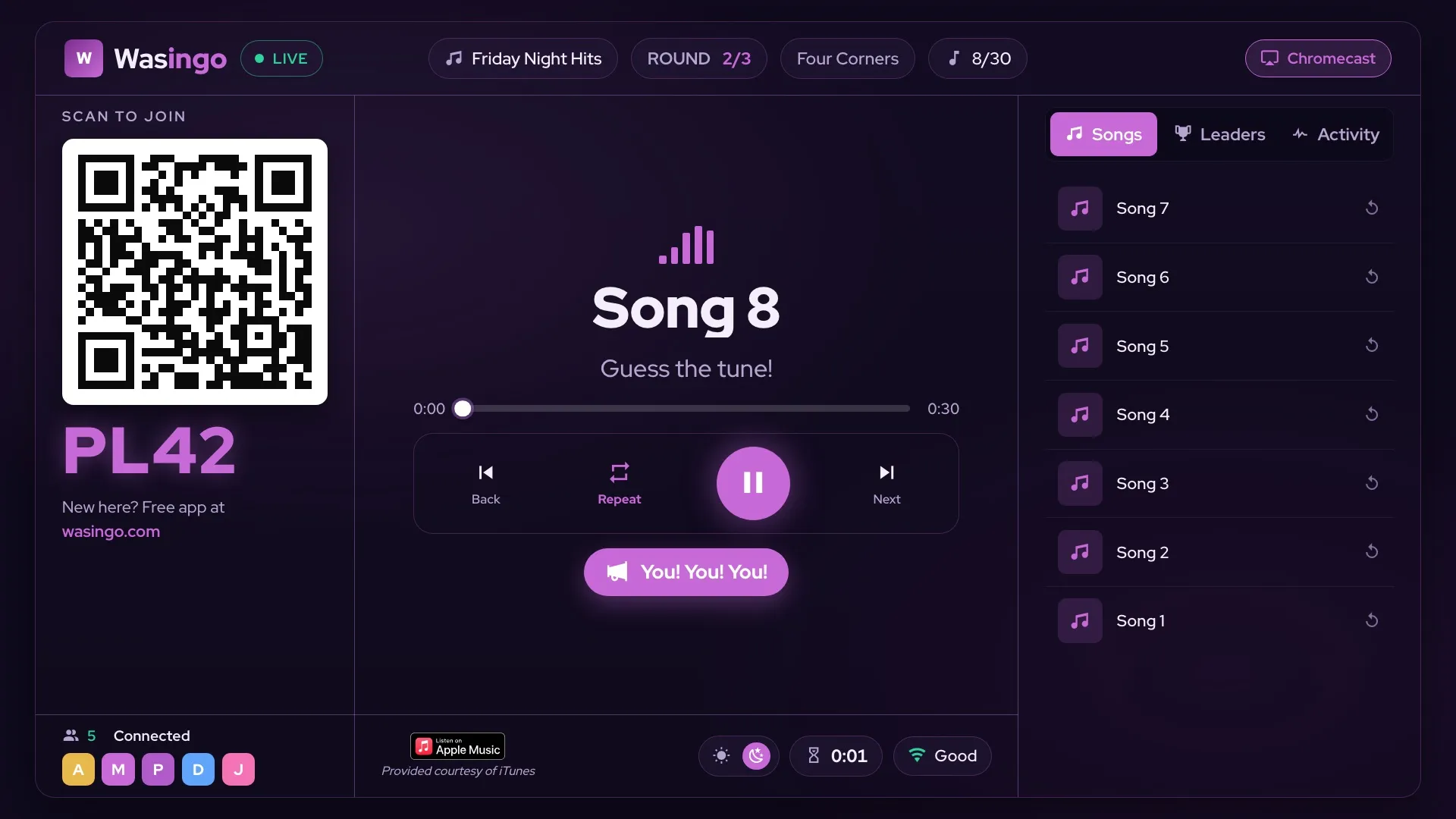
Pick a theme, build a playlist (or let Wasingo auto-fill one), put the board on your TV with AirPlay or Chromecast, and have everyone scan a code to get a unique card on their phone. Play the clips, and wins are verified for you. Your first game night is free to host.
Is Wasingo music bingo free?
Yes. Players always play free with no account or download, and hosts can run their first game night free. Pro is $4.99/month for people who host all the time and want unlimited playlists, bigger rooms, and 5×5 cards — with no ads, ever.
Can I use my own Spotify or Apple Music playlist?
Wasingo plays real song clips through Apple Music or Spotify, so you build your game from actual songs — search for the tracks you want, or let the app auto-fill a themed playlist for you. See the Spotify and Apple Music guides for how each one connects.