On Google Play
Download it right on your Android TV or Google TV
Wasingo is on Google Play for TV — install it on the television itself and host the whole game from the couch. Your phone still joins as the control center, so you drive the music from your hand while the board shines on the big screen.
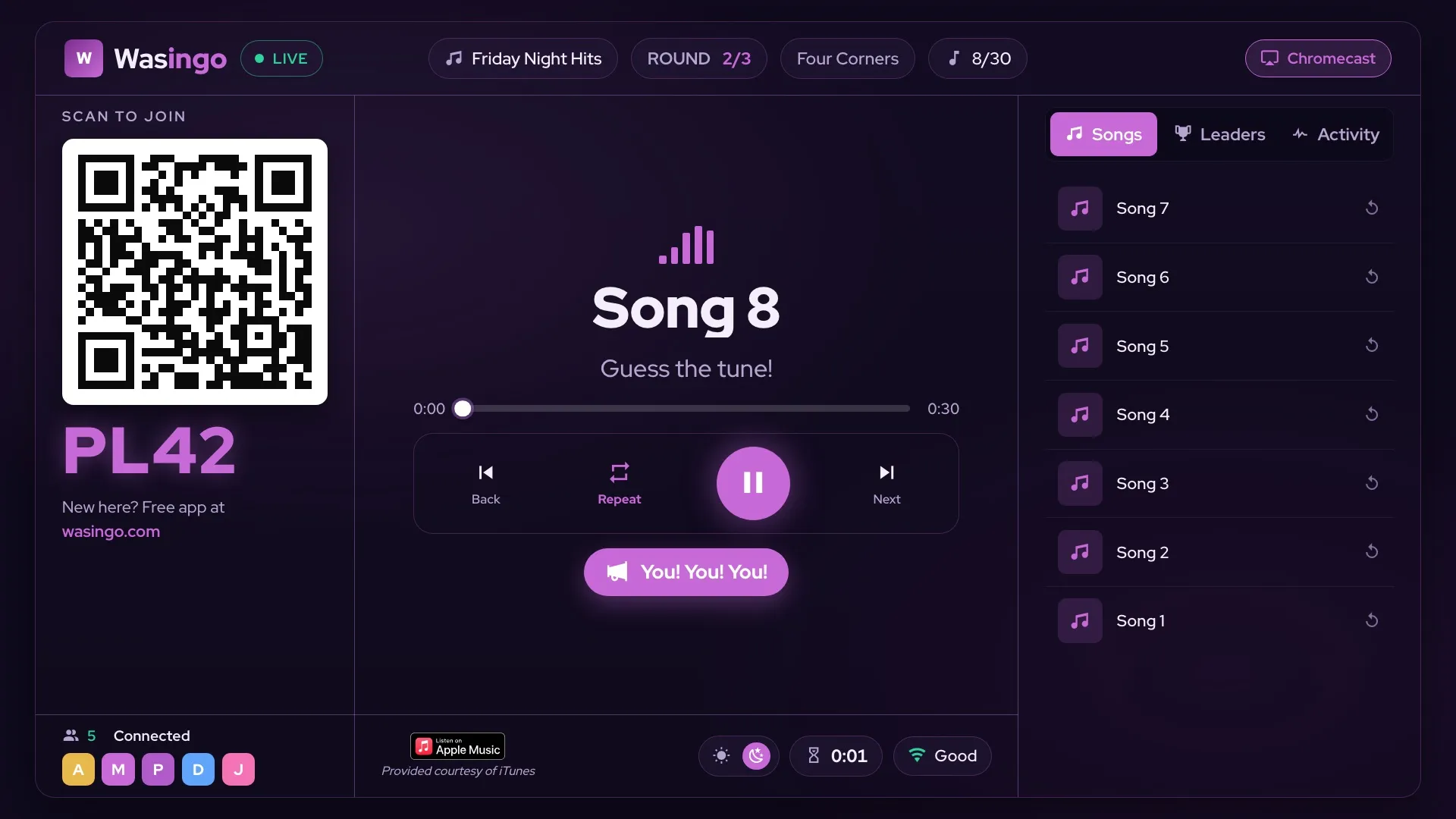
The board on any screen
Get the board on any TV — three ways
Got an Android TV or Google TV? Host natively. Everyone else casts from their phone — no smart TV required.
Install Wasingo on the TV and host the entire game right from the big screen.
Mirror the board to an Apple TV or any AirPlay-ready TV. Your iPhone becomes the control center.
Cast the board to any Chromecast or Google TV from any phone — Android or iPhone.
No compatible smart TV? No problem — any TV with AirPlay or Chromecast becomes the board, right from your phone.
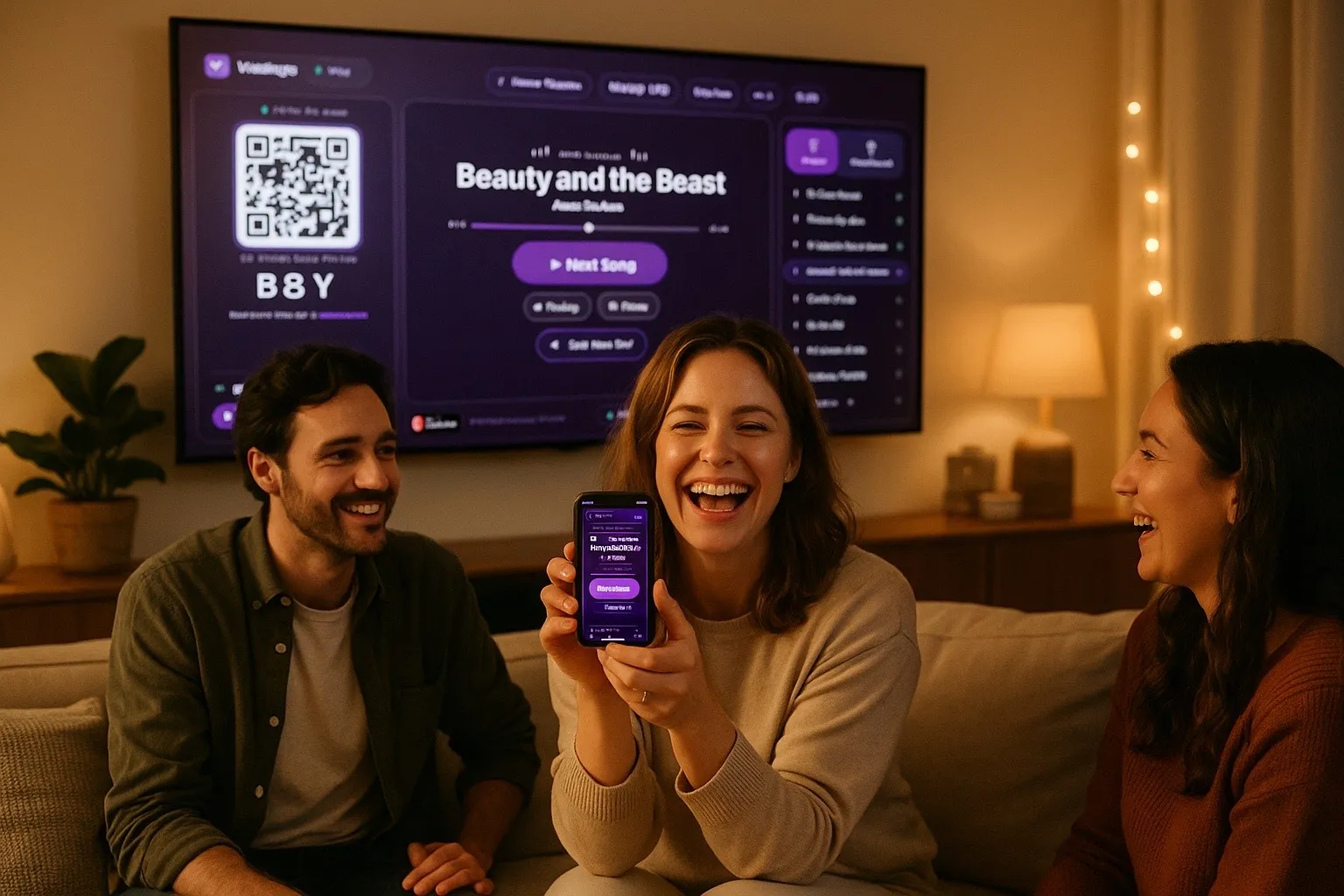
Your phone = the remote
The TV shows the board. Your phone runs the show.
While everyone watches the big screen, you control the whole game from your hand — play or pause the song, skip ahead, replay a track, and switch between Songs, Leaders, and Activity. It's a proper remote, built for hosting.
New
Players react live — right on the board
Tap a reaction from your phone and it pops up on the TV for the whole room. Big win, near miss, or a song everybody loves — let the crowd feel it.
Will my TV work?
Wasingo runs on 2,000+ Android TV & Google TV models — and any other TV becomes the board through AirPlay or Chromecast. Check yours in a second.
Check my TVFrequently asked questions
Can I play music bingo on my TV?
Yes. With Wasingo the board lives on your TV while everyone plays from their phones. Host natively on an Android TV or Google TV, or cast the board to any TV using AirPlay (from an iPhone) or Chromecast (from any phone).
Does Wasingo work on Android TV and Google TV?
Yes. Wasingo is on Google Play for TV, so you can install it right on your Android TV or Google TV and host the whole game from the big screen. It runs on 2,000+ TV models.
How do I cast music bingo to my TV?
Open Wasingo on your phone, start a game, and tap AirPlay (iPhone) or Chromecast (any phone). The board appears on the TV and your phone becomes the control center for the music.
Do I need a smart TV to play music bingo?
No. If you have an Android TV or Google TV you can host right on it, but any TV works as the board through an AirPlay or Chromecast connection from your phone.
Can I use AirPlay or Chromecast for music bingo?
Absolutely. AirPlay mirrors the board from an iPhone to an Apple TV or AirPlay-ready TV, and Chromecast casts it from any phone to a Chromecast or Google TV. Either way the phone stays your remote.
Can players react during the game?
Yes. Players tap emoji reactions on their phones and they pop up live on the TV board for the whole room to see — celebrations, near misses, and BINGO moments.